USB Program Card for AGFrc Servos

Contact UsCustomer Reviews

USB Program Card for AGFrc Servos

Our Price:

$19.99


Quantity (5)

Availability 5 in stock
Weight 0.10 lbs
SKU AGF-SPV2
Manufacturer AGFRC Servos

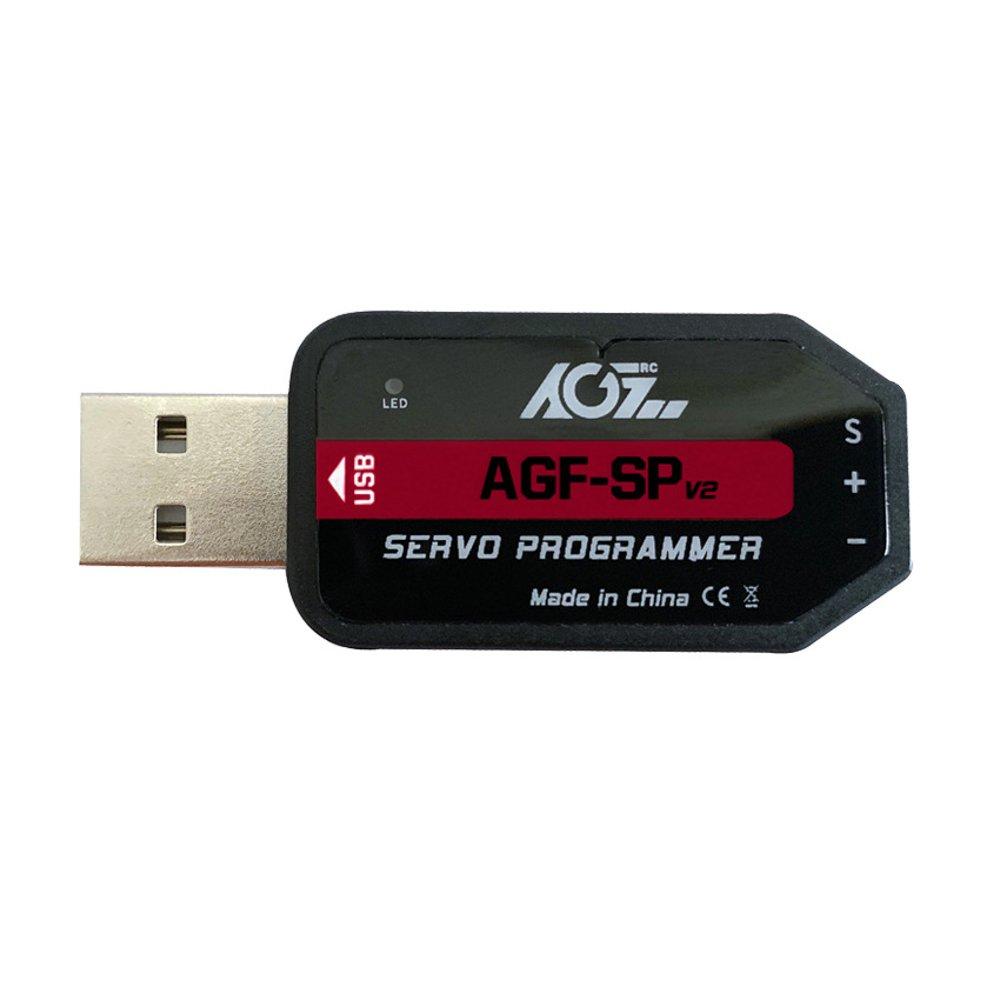
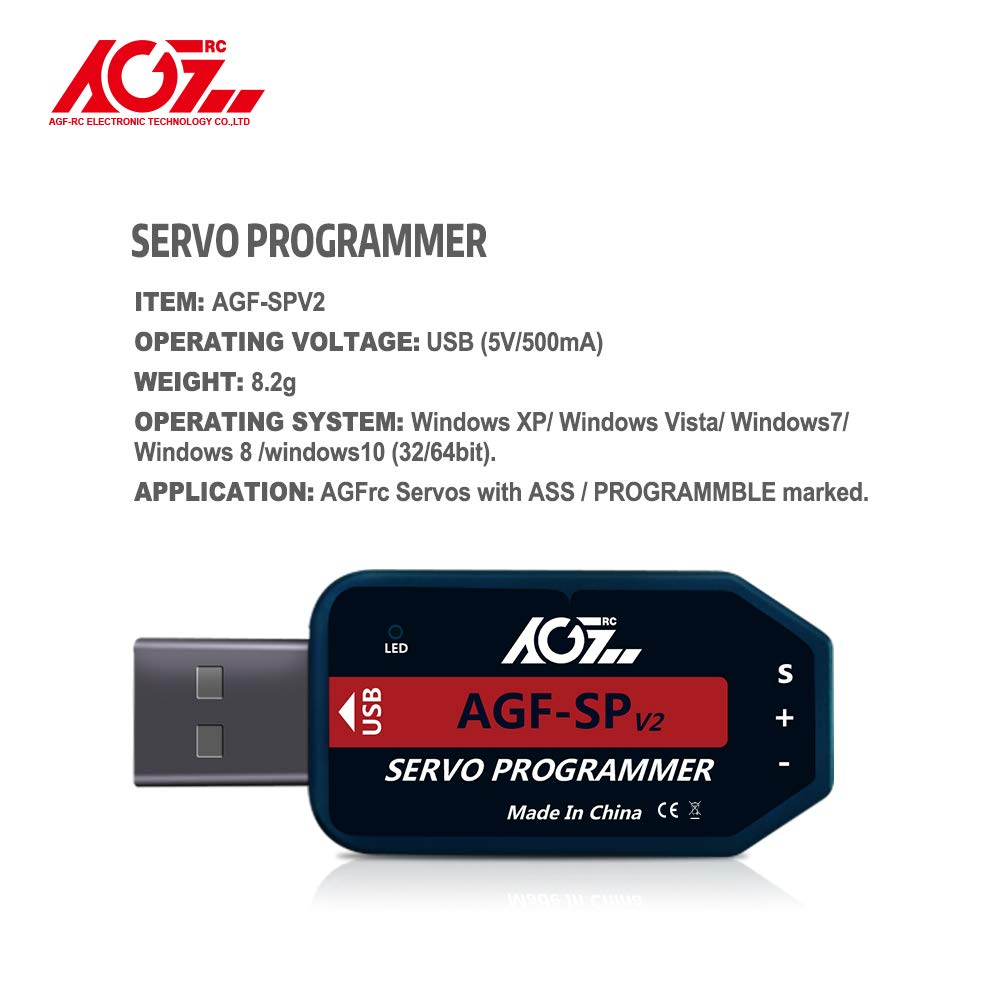
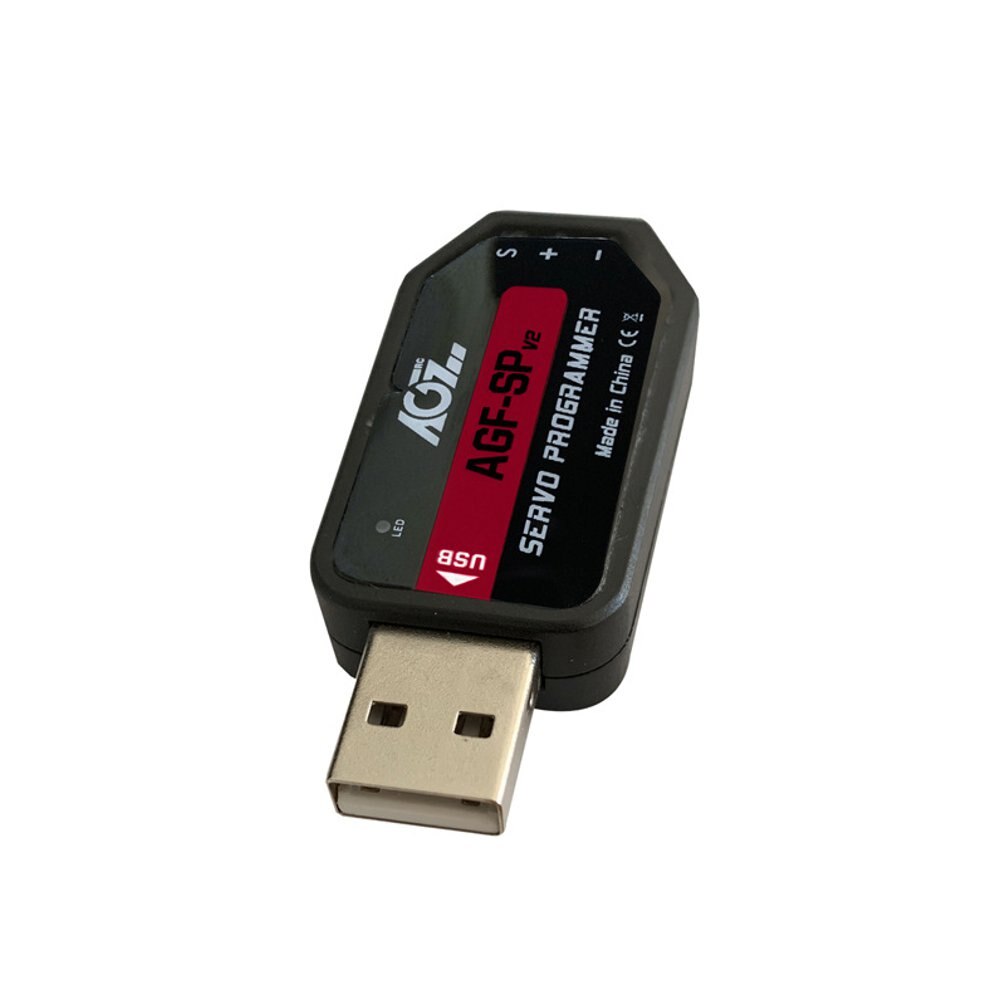
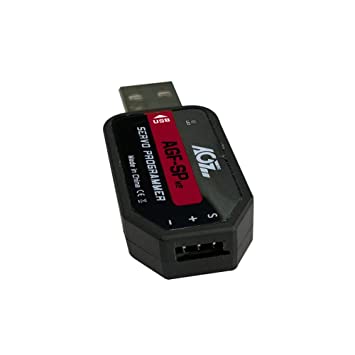
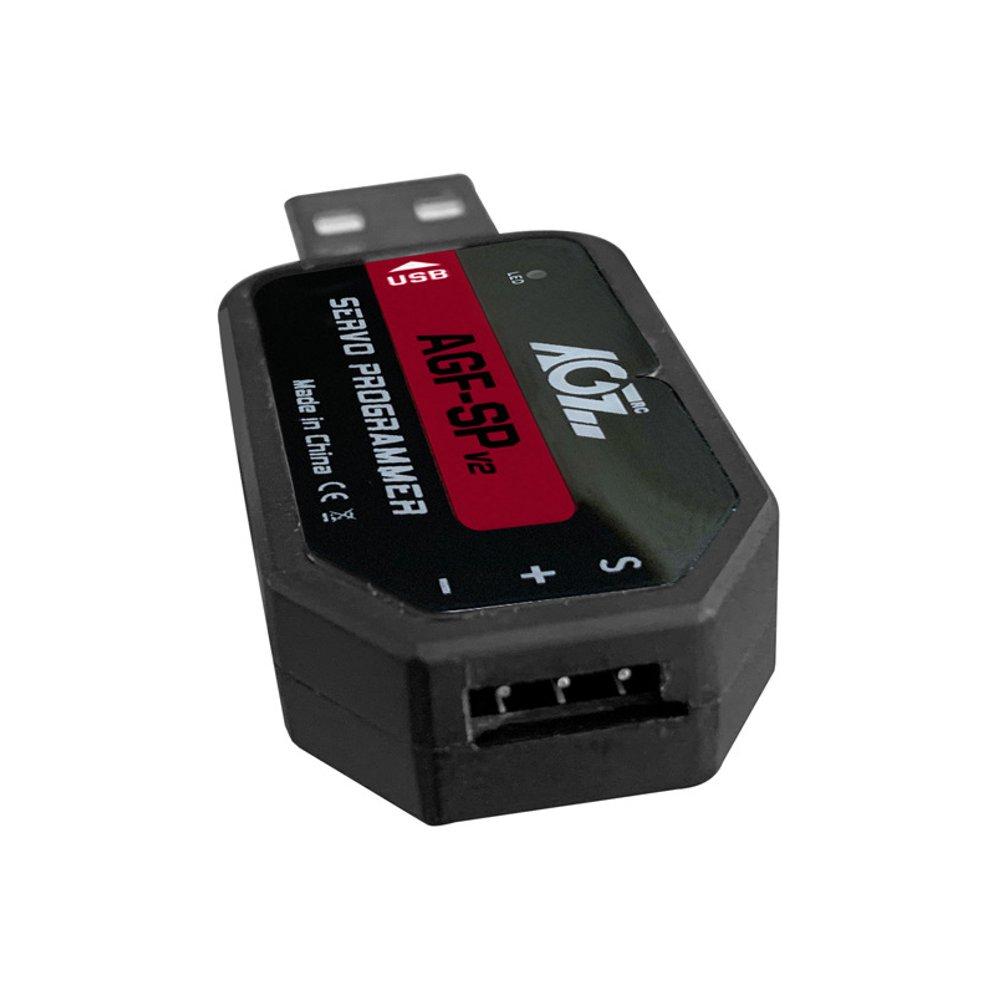
AGFrc AGF-SPV2 USB Program Card for AGFrc Servos with ASS marking

This card is the "Plug and Play" type USB programming card. It is easy to use and program the AGFrc programmable servos. Please note that this USB program card can only be used for AGFrc servos with ASS marking.

If you have questions for which AGFrc servo can be programmed, pls contact us for details. 

Software download from here: https://www.agfrc.com/index.php?id=download-center 

System Requirements:

  • Operating Voltage: USB(5V/500mA).
  • Operating System: Windows XP/Windows Vista/Windows 7/Windows 8 /windows10 ( 32/64bit).
  • Application: AGFrc Servos with ASS marking.

Software Menu Instructions:

1-1

The centre part is for information display window, while connect/ disconnect program card, or write/ Read servo parameter, it will show information. 


Parameter Function Instructions:

  • Servo Angle: Set the servo rotation angle
  • Servo Neutral: Set the servo neutral position Note: While the transmitter turn to the neutral position, if the servo do not stay in the corresponding position, it can modify this value to adjust the servo horn. This is equivalent to the trimming of transmitter channel. 
  • PWM Power: Adjust the servo output power. The higher the power, the higher the servo torque, current consumption will be high as well.
  • Damping Factor: Set the servo damping
  • Sensitivity: Adjust the servo dead band (sensitivity)
  • Soft Start: Slowly restoration while power on the servo. Once power on, the servo will gently turn to the position of current input signal.   Note: This function is to prevent damage from servo incorrect mounting while power on.
  • Inversion: Set normal and reverse rotation of the servo
  • Narrow Band: FUTABA SR Mode
  • SANWA SSR: SANWA SSR Mode   Note: Enable this function, it can support SANWA SSR high speed mode. Servo angle may be not accurate, it need to re-adjust.
  • Lost PPM Protect: Signal loss protection, there are three functions for selection,
    • a. Release: Non-Protection
    • b. Keep Position: Stay in the position before the signal loss
    • c. Go Neutral Position: Back to Neutral position (1500uS position)
  • Over Load Protect: Set the servo blocking protection, there are three levels, ticked to enable protection.
    •    Level 1: Set the starting time and power value of the primary protection.
    •    Level 2: Set the starting time and power value of the secondary protection.
    •    Level 3: Set the starting time and power value of the tertiary protection.
    •    Note: Left side is to set the protection starting time, right side is to set output power value after
  • Enable starting protection.
  • Servo Information: Servo information. Including servo model, version date, firmware name.
    •    Servo Name: Servo model
    •    Manufacture: Servo version date
    •    Firmware: Servo firmware name
  • Read: Read the servo parameter from the software interface.
  • Write: Write current parameter into servo.
  • Open: Open servo parameter file which saved on the computer.
  • Save: Save current servo parameter to the computer
  • UPF: Servo firmware upgrade function.
  • Exit: Exit and close the configuration software

Usage Instructions:

  1.  Plug in USB program card, this program card is free driver installation, wait for system auto install driver( around 5-10 seconds). While the hint as below pic appear at the bottom right corner, that means driver completed automatic installation. 

    1-2

  2. Open the software, it will show program card plug-in successfully in the information window. Otherwise it need to pull out the program card and re-plug again.

    1-3

  3. Plug in servo, click “Read” button to read servo parameter to current interface (as below pic),

    Note: Every time plug in servo, please "Read" the servo parameter first, then go ahead for modify

    the parameters to prevent servo dysfunction from improper operation.


     1-4 


Servo Firmware Update Instructions

1. While connected with the servo, click "UPF", select the upgrade firmware from the pop-up window, and click to upgrade(as below pic)

    1-5


2. During upgrading, information window will hint upgrade process, it will shows "Success Update" once completed(as below pic).

   1-6   


3. After finished updated the servo firmware, please click to “Read” the parameter first on the software interface.


: *
: *
: *
 

12V Smart Servo, USB Programmable, Waterproof, Mega Torque 60KG (834Oz)

12V Smart Servo, USB Programmable, Waterproof, Mega Torque 60KG (834Oz)

AGF-SA86BVMW

$145.99

Zap CA Glue 4oz and 2oz


Description:

Bob Smith Industries CA Glue

Super-Gold+™ Odorless, CA

SUPER-GOLD™ and SUPER-GOLD+™ are our odorless INSTA-CURE CAs They are non-frosting and take only 2 or 3 seconds longer to bond. There are no fumes that irritate the nose and eyes. The SUPER-GOLD™’s do not attack white foam; therefore, they can be used in the building of foam core wings and the assembly and repair of plastic and foam ARF’s. They will not fog clear plastic. SUPER-GOLD+™ is ideal for attaching clear canopies in plastic model kits; however, MAXI-CURE™ is still recommended for assembling the rest of plastic kits. Wood can be bonded to white foam with SUPER-GOLD +™ in less than fifteen seconds. For bonding foam to foam, spray a very light fog of INSTA-SET™ to one piece and apply SUPER-GOLD+™ to the other before joining. Excess INSTA-SET™ may create too much heat, which can melt the foam. Both SUPER-GOLD™’s cure to a more flexible consistency for better shock absorbtion. Whenever a large amount of CA is to be used in such applications as saturating fiberglass or Kevlar, SUPER-GOLD™ eliminates the irritating fumes from the evaporating monomer that make repeated use of CA unpleasant at times.


Works Best On:

  • Rubber
  • White Foam

Works Good On:

  • Balsa Wood
  • Soft Wood
  • Hard Wood
  • Glass & Metal
  • Fiberglass
  • Ceramics
  • Hard Plastics
  • Laminating
  • Water-Resistant
  • Reinforcing
  • CA Hinges


Avaliable in 2oz and 3/4 Pocket Size.

Pocket CAs feature a new top that has a pin built into the cap that covers the nozzle. This pin seals the bottle so that if it is tipped over, the bottle will not leak. This makes the Pocket CAs ideal for keeping in your tool or field box, just like our IC-Gel. One disadvantage that the new Pocket CA top has is the bluntness of the nozzle. This makes it more difficult to apply small amounts of the CA, especially in tight places. From the feedback we have received, it appears about 25-30% of users prefer the new Pocket CA top, which means that over 70% prefer our standard top for general bonding purposes. Most users are buying both types. Our original top for the workshop, and the Pocket CA for use out in the field. The 3/4 oz. Pocket CAs are available in BSI's Insta-Cure, Insta-Cure+, Maxi-Cure and Super-Gold+. BSI's new extender tip #304 works on the Pocket CA.


Click to Download Safety Data Sheet

PAAPT-06

$12.99

Extra 330 1000mm (39.4") Wingspan Balsa Wood Laser Cut Aircraft

Extra 330 1000mm (39.4") Wingspan Balsa Wood Laser Cut Aircraft 

DW-S2501

$177.99

FUTABA S-A601 (S.Bus2) Digital Coreless High Torque Metal Gear Servo .11sec/41Kg/569oz @ 7.4V

FUTABA S-A601 (S.Bus2) Digital Coreless High Torque Metal Gear Servo .11sec/41Kg/569oz @ 7.4V  


Product Description

With 4 times the resolution of its predecessor, the Aurora 9, the Aurora 9X is sure to become a favorite among the most demanding pilots. It is HiTec's first triple protocol radio which allows selection from the G1 and G2 Adaptive Frequency Hopping Spread Spectrum (AFHSS) or Secure Link (SLT) 2.4GHz technologies. It features dual processors for fast low latency response and ultra-smooth 4096 resolution. With more than 30 additional programming enhancements and new dynamically assignable switches, it is sure to thrill sport and professional level airplane and helicopter pilots alike.


Features


  • Built in AFHSS 2.4GHZ / SLTTM Module (Single / Bi-Directional Selectable)
  • 4096 Resolution
  • Improved Latency (Dual Processor 7ms Frame Rate)
  • Vibration Mode
  • Included Touch Screen Stylus
  • Easy-to-Read, Easily Accessible 5.1-inch Wide Backlit LCD Touch Screen (320 x 80 Pixels)
  • Customizable Menu
  • One-Stop Model Type Setting
  • 3 Multi-Tasking Digital Trims
  • Fully Assignable Control Switches, Knobs, Sticks and Digital Trims
  • Ultra-Smooth Quad Ball Bearing Gimbals
  • Full-Size Comfortable Hand Grips (Top Quality Elastomer)
  • Selectable 4 Different Control Stick Modes, Plus 2 Additional Manual Modes (Software)
  • Easy Gimbal Mode Change and Tension Adjustment (Hardware)
  • Power Management System (Adjustable Backlight & Auto Shut-off Time)
  • Digital Trim Nano-Adjuster (200 Adjustable Trim Steps)


  •  
  •  
  •  
  •  
  •  
  •  
  •  
  •  
  •  

Standard Programming

  • 9 Assignable Control Channels
  • 3-Model Type Programming (ACRO/GLID/HELI)
  • 30-Model Memory
  • 20 Character Model Naming
  • 8 Flight Conditions with 10 Characters
  • Fail-Safe
  • Channel Function
  • EPA
  • Dual Rate & EXP* 
  • Sub-Trim
  • Servo Reverse
  • Servo Speed (up to 25 sec. in each direction)* 
  • Servo Monitor (Monitor & Servo Test)
  • 8 Programmable Mixes (5x 2-Point, 3x 7-Point Curves)**
  • Trainer
  • Throttle Lock

* Capable of a Maximum of 24 rates by 8 flight conditions and 3 switch positions
** Capable of a Maximum of 8 Rates by 8 Flight Conditions

Futaba-01102412-3

$208.99