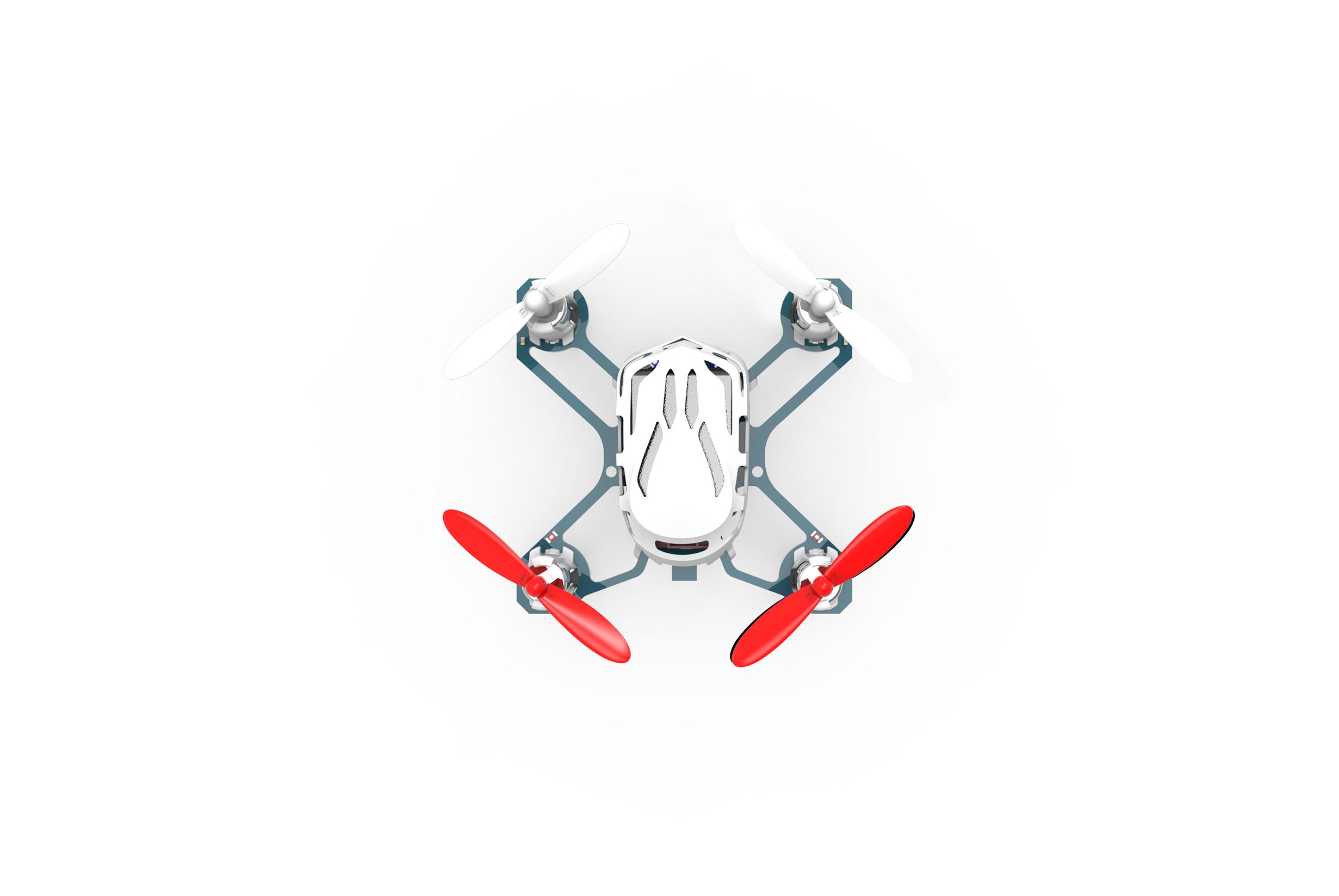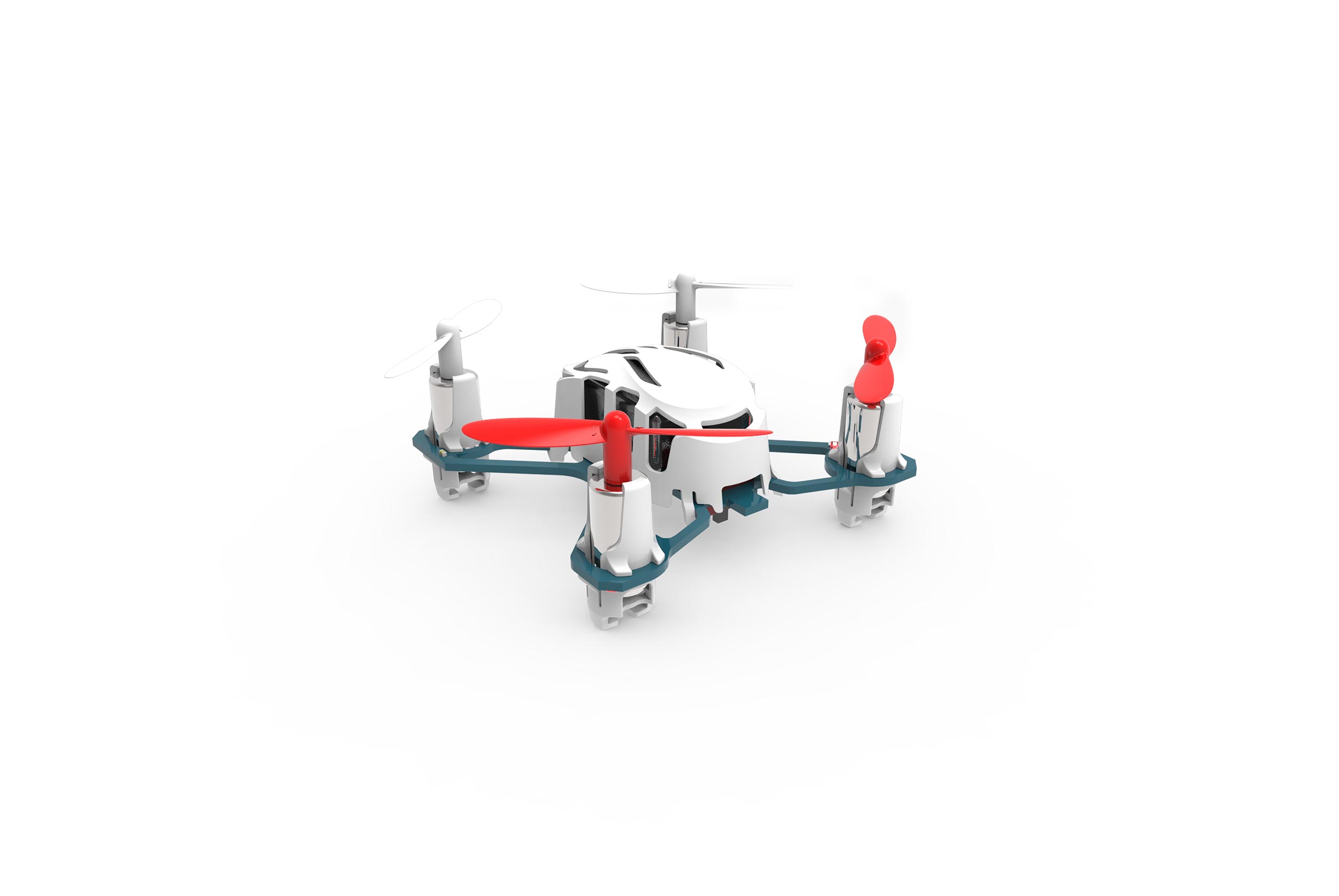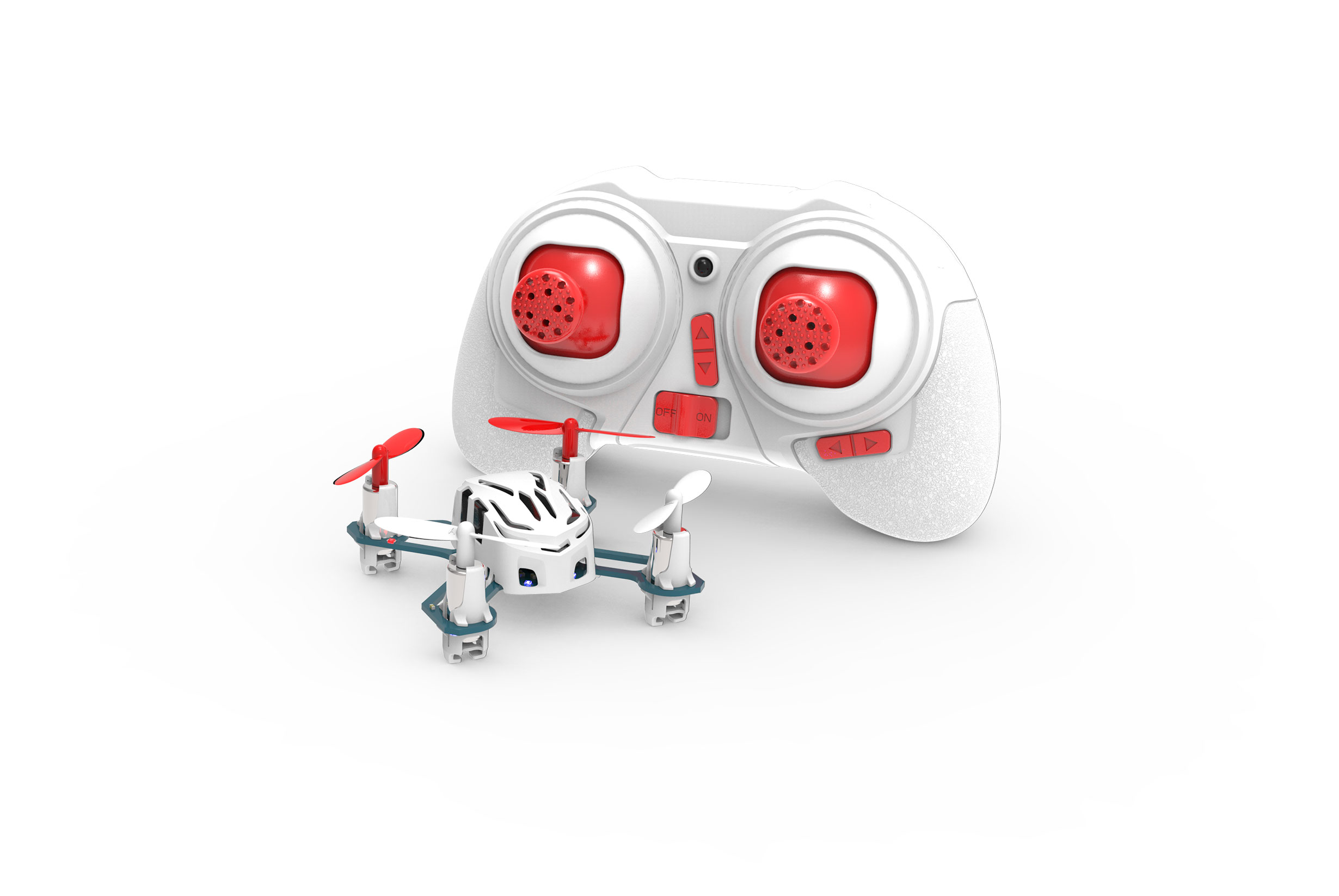
HUBSAN Nano Q4 RTF Quadcopter

Contact UsCustomer Reviews

HUBSAN Nano Q4 RTF Quadcopter

Market Price: $34.99
Our Price:

$24.99


You Save

29%

Quantity (1)

Availability 1 in stock
Weight 0.50 lbs
SKU Hub-H111Q4

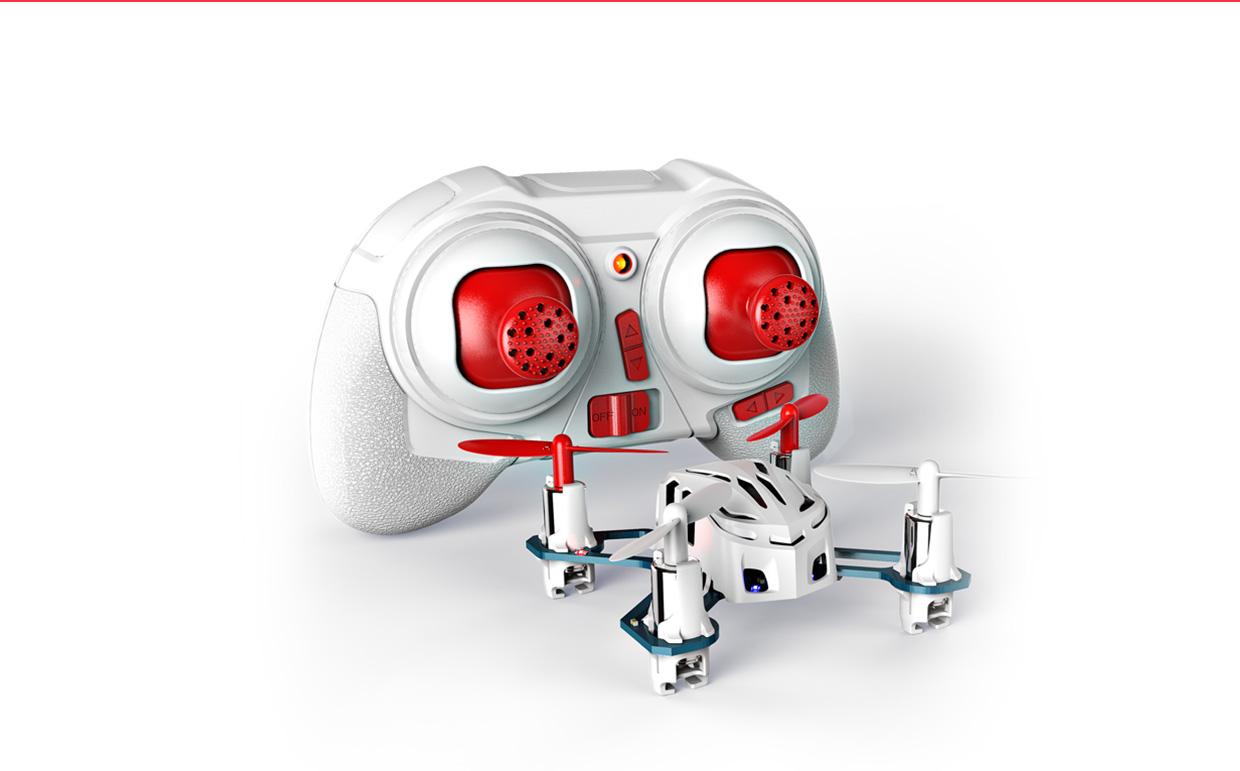
HUBSAN Nano Q4
RTF (2.4ghz 4 channel radio included!) 


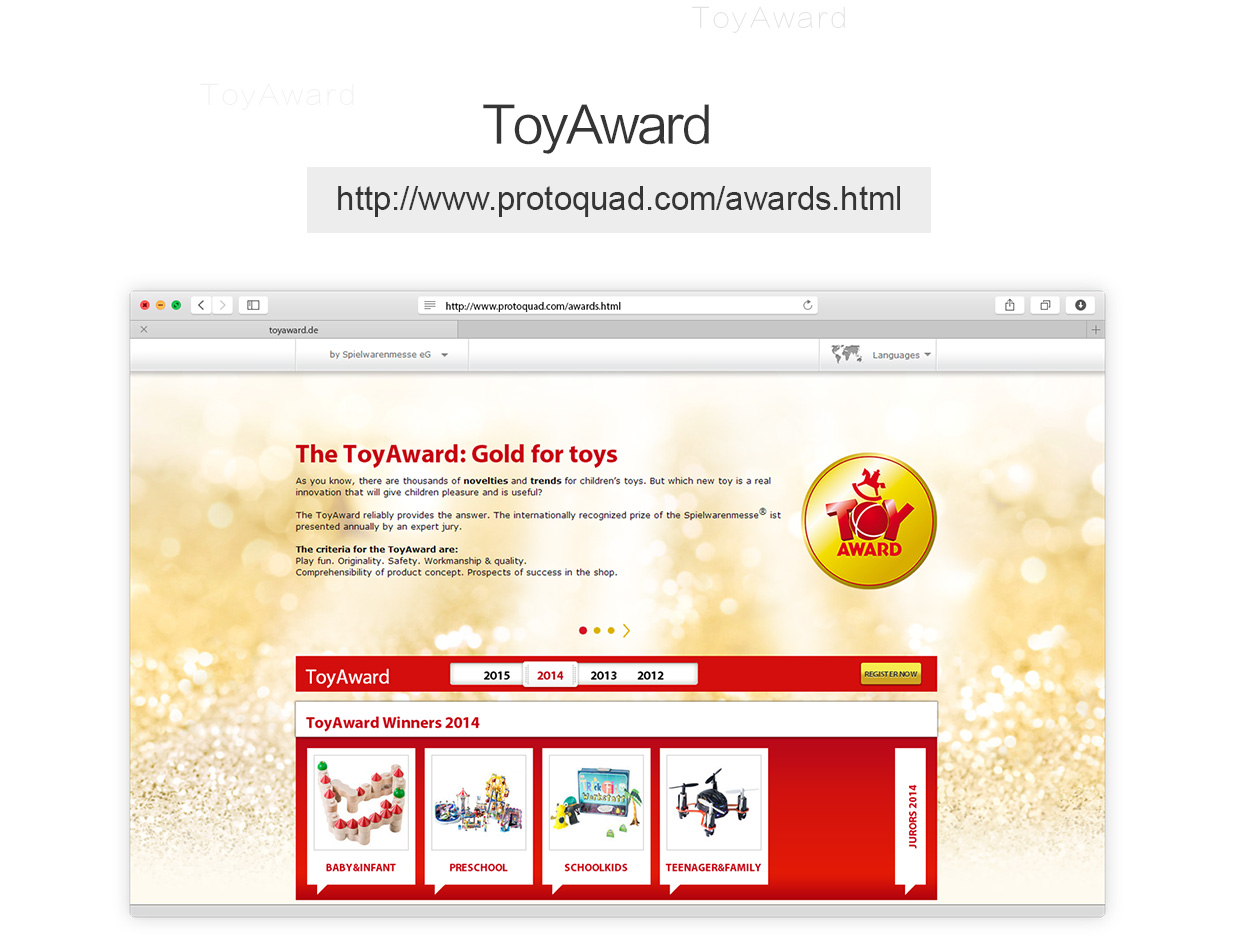
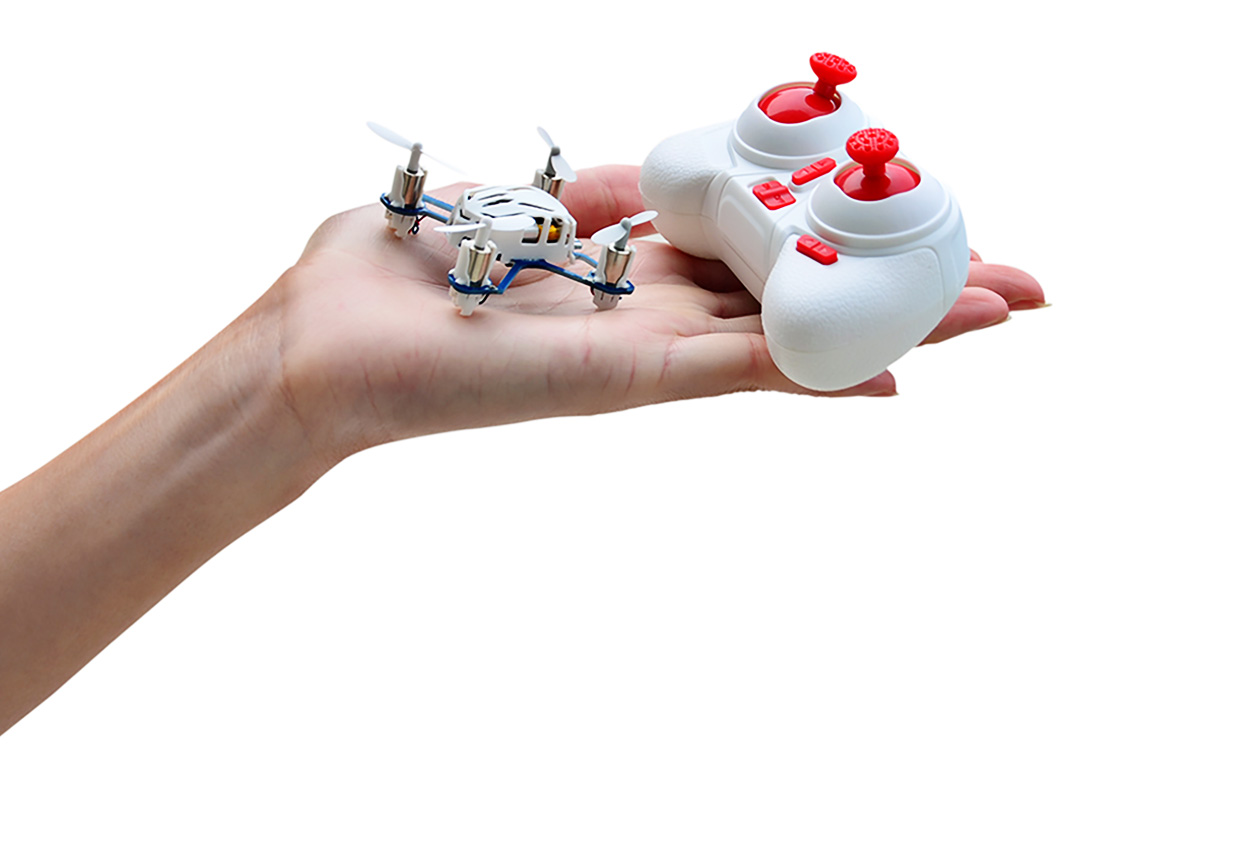
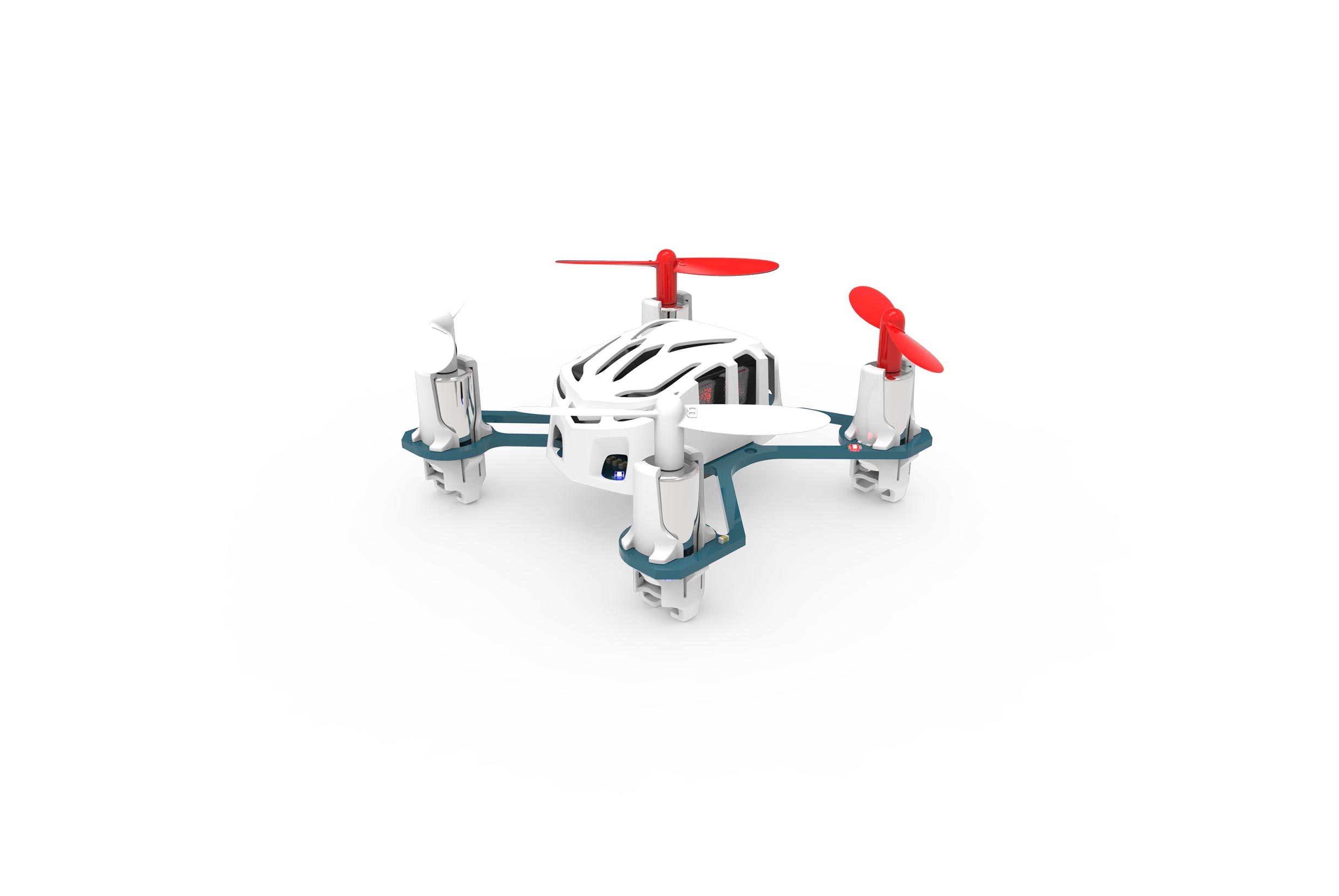
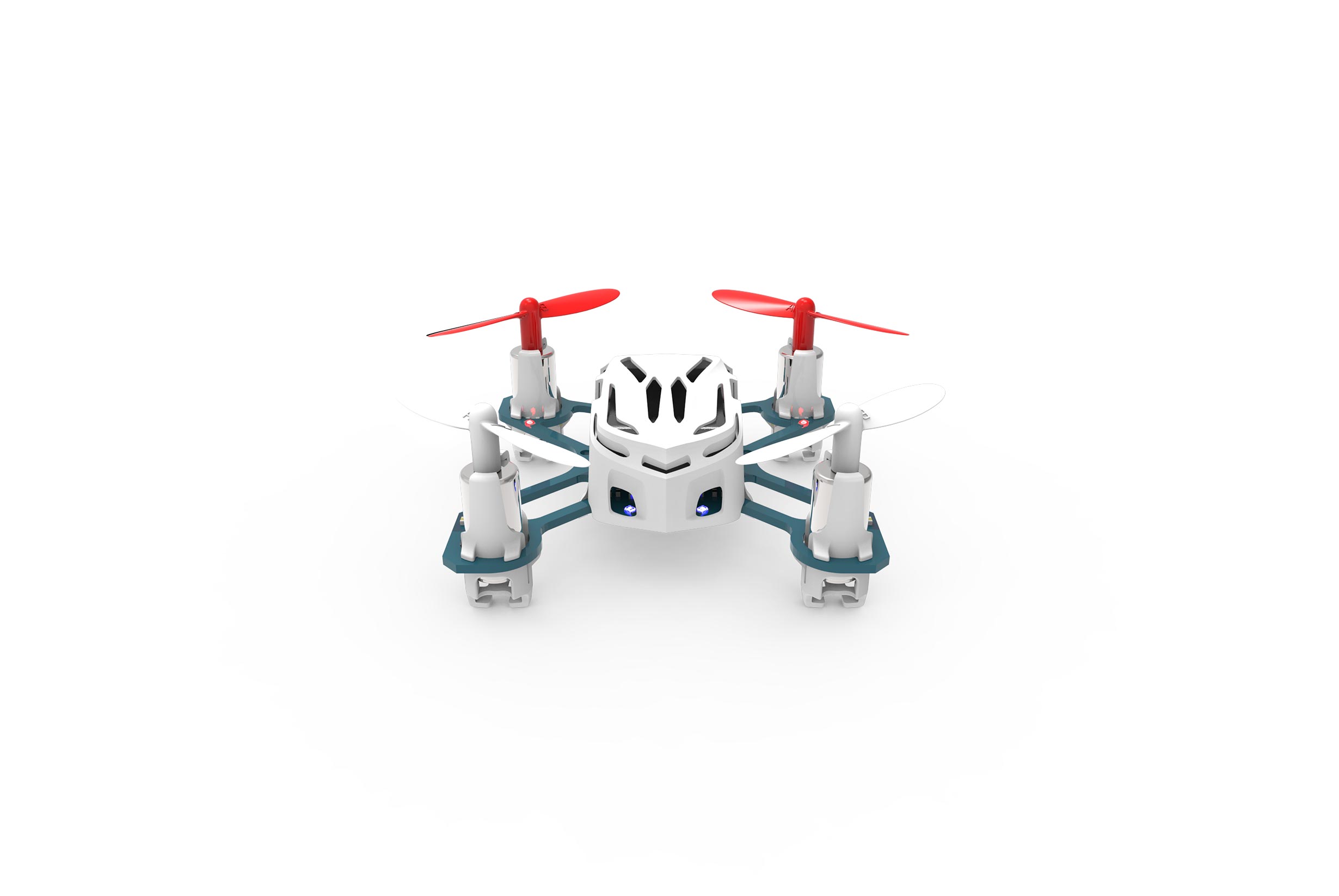
Say hello to one of the world's smallest Quadcopters, The award winning Hubsan Nano Q4! The Nano Q4 received 2 awards: Best New Toy at the London Toy Fair and The Toy Award at the Nuremburg Toy Expo.

This quadcopter is Ready-To-Fly right out of the box. Suitable for indoor and outdoor flying. The 6-axis flight control system allows the Hubsan Nano Q4 to maintain stable flight even in light wind conditions.

Meet the Hubsan Nano Q4


Features:

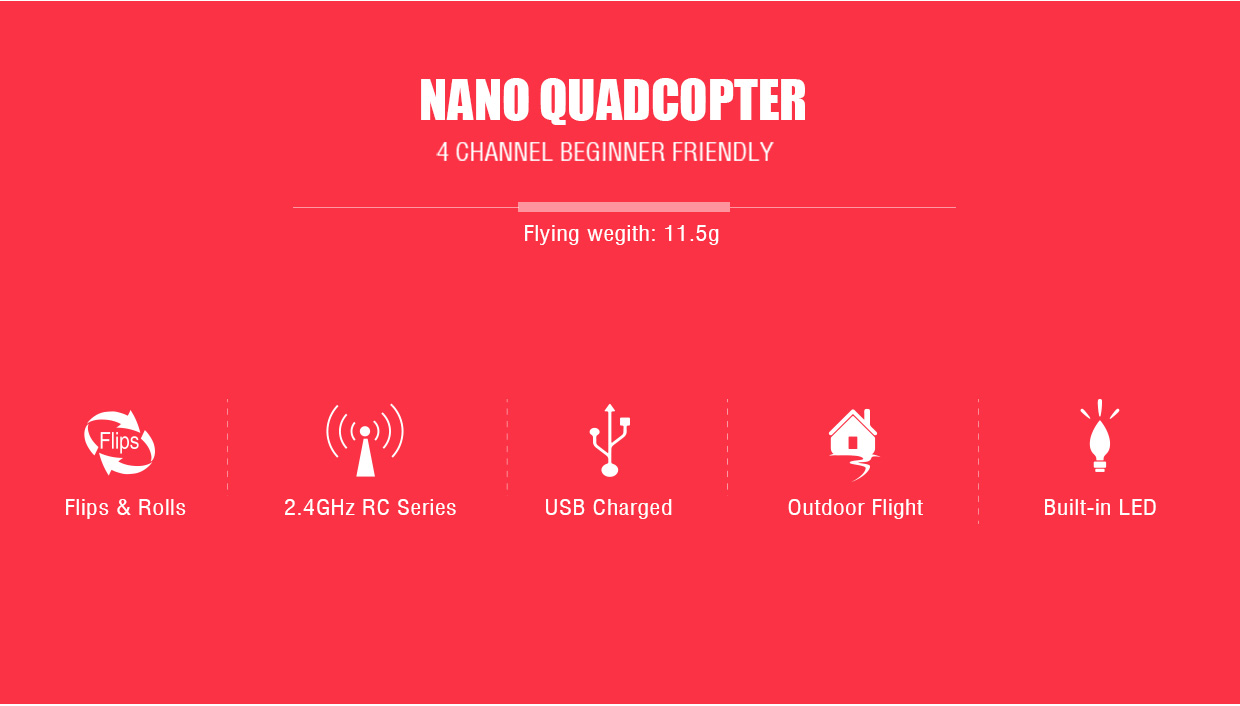
  • Measures-  1.8x1.8 inches at 11.5g
  • 4 channels and operates at 2.4 GHz.
  • Battery voltage: 3.7V
  • Capacity: 100mAh
  • Flight time: 5 minutes
  • Charging time:30 minutes
  • Flying range of about 30 meters / 98 feet
  • USB charging ability, you can charge it from your computer! How cool is that!?
     
: *
: *
: *
 

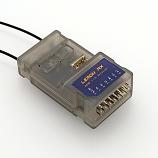
Lemon RX DSMP 7-CH RECEIVER (DSMX/DSM2 COMPATIBLE)

Lemon RX DSMP 7-CH RECEIVER (DSMX/DSM2 COMPATIBLE)


Description:

Lemon Rx DSMX Compatible 6-Channel Receiver + Lemon DSMX Compatible Satellite


Type: DSMX Compatible Full Range Receiver
Number of Channel: 6
Modulation: DSMX Compatible (Also DSM2 backward Compatible)
Band: 2.4 GHz
Dimension: 25(L) x 18(W) x 11(H)  mm
Weight: 4.5 grams + 2.5 grams
Voltage Range: 3.45 - 8.4 V


Highlight
- FailSafe for all channels via press of a button
- DSMX Satellite port


Understanding the receiver


Setup Instruction

Binding

  1. Plug bind plug to the receiver.
  2. Provide power to the unit. LED flashes quickly.
  3. Enable bind mode in transmitter and ensure distance separation of 2 meters from receiver. Solid LED light means binding is completed.
  4. Remove bind plug.

Setting Failsafe

  1. Start by binding the receiver to the transmitter in the normal way and proceed as follows to set failsafe
  2. Ensure that transmitter and receiver are turned on.
  3. Insert bind plug into the receiver (Note: to set failsafe, bind plug is applied only when the receiver is turned on).
  4. Set transmitter controls to the desired failsafe positions.
  5. Press the side pushbutton to memorize failsafe settings.
  6. Observe that the green light at the end of the receiver turns on to indicate failsafe is set. (Repeat step 4 will cause the LED to turn off which means failsafe is disabled).
  7. Remove bind plug.
  8. Disconnect the power for at least 2 seconds and then reconnect the power again. Test failsafe by turning off the transmitter.


LM-0081

$21.99

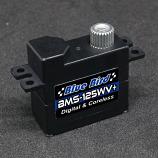
BMS-125WV+ MICRO WIDE VOLTAGE-DIGITAL, HIGH TORQUE, CORELESS SERVO (7.1kg/98.6oz 0.09 sec @8.4V)

BMS-125WV+ MICRO WIDE VOLTAGE-DIGITAL, HIGH TORQUE, CORELESS SERVO (Upgraded)

BBR-BMS-125WV+

$27.99

Vorza S Flux Buggy, 1/8 Scale 4WD RTR Brushless w/2.4GHz Radio System, Green

Vorza S Flux Truggy, 1/8 Scale 4WD RTR Brushless w/2.4GHz Radio System, Green

HPI160179

$549.99