

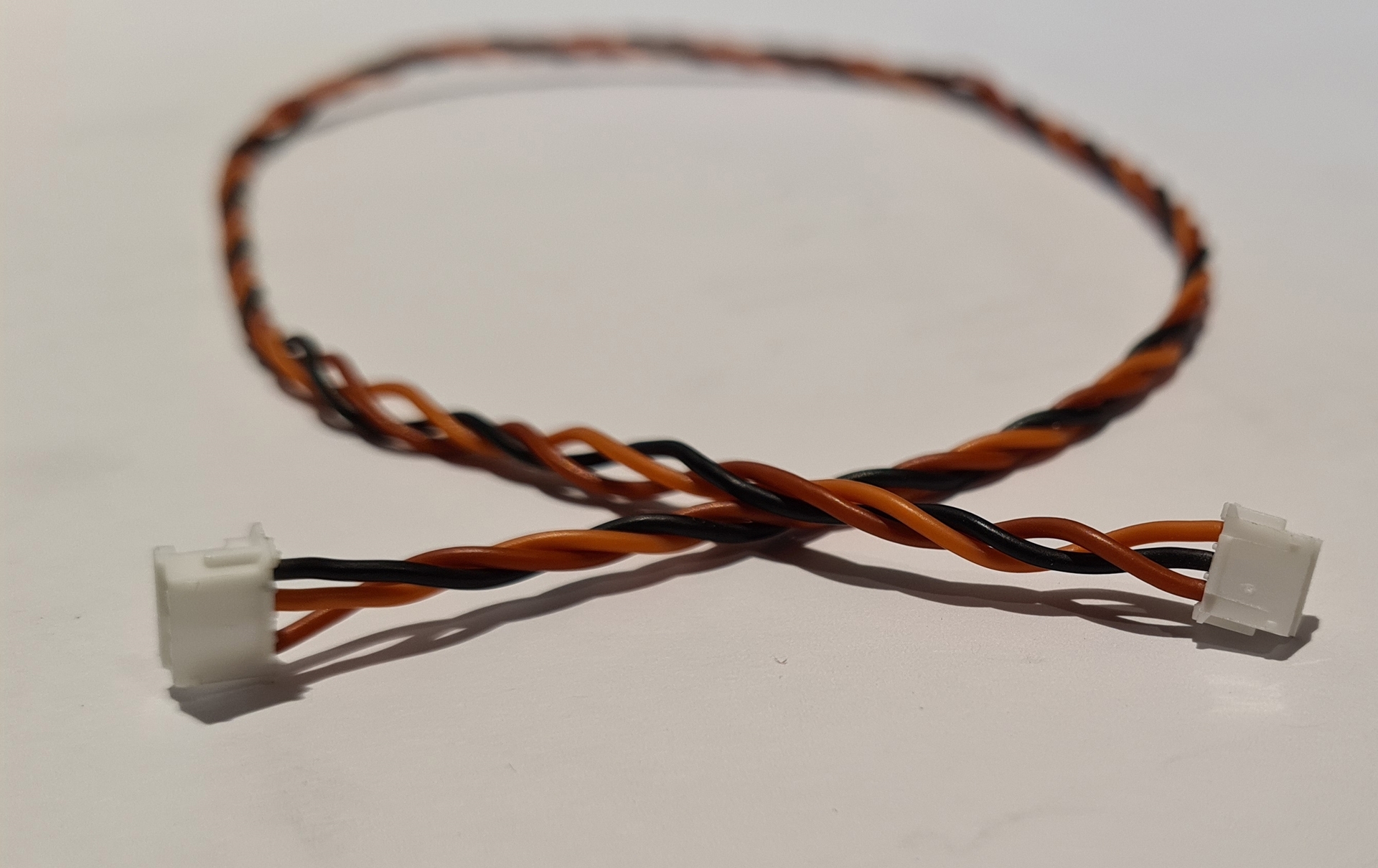
SRXL2 TO SMOOTHFLITE ADAPTOR CABLE 400MM
SRXL2 TO SMOOTHFLITE ADAPTOR CABLE 400MMThis is the 4 pin to 3 pin cable you need to connect Spektrum SRXL2 (SPM4651T) receivers to Smooth Flite ARXL and SF16. Please note this cable is specific to the new high voltage version (SPM4651T) satellite receivers.
|
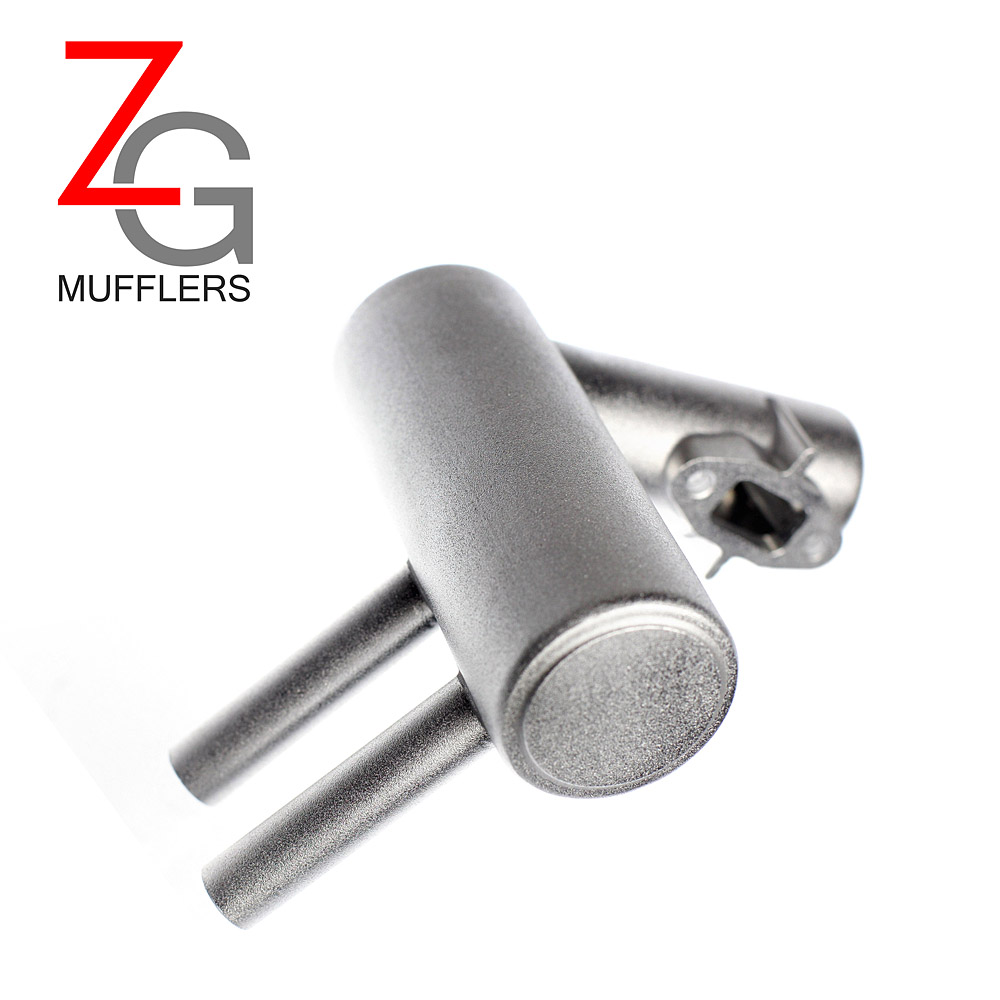
Redline Pitts Muffler
| Description: Easy to install Pitts muffler for DLE 20cc, DLE 30cc and DLE 55. This allows you to do less cutting to your cowl and have a more scale plane on your 20cc, 30cc or 50cc sized plane. Fits DLE engine as well as many others with similar exhaust ports The 20cc Pitts Muffler will mount on the DLE 20 and many more engines with the same exhaust port bolt spacing. The 30cc Pitts Muffler will mount on the DLE 30, DLE 35RA, JC 28, MLD 28, as well as many others with a 34mm spacing on the exhuast port. The 50cc Pitts muffler will mount on the DLE 55, DLE 55RA, DA50, DLA 50, and many more engines with the same exhaust port bolt spacing. Specs: 30cc / 50cc
|
D-PM
$39.99

Vorza Flux Truggy, 1/8 Scale 4WD RTR Brushless w/2.4GHz Radio System, Red
| Vorza Flux Truggy, 1/8 Scale 4WD RTR Brushless w/2.4GHz Radio System, Red |
HPI160181
$524.99

SALE
Savage XL Flux V2 GTXL-6 Monster Truck RTR, 1/8 Scale, 4WD, Brushless ESC, 2.4GHz Radio System
| Savage XL Flux V2 GTXL-6 Monster Truck RTR, 1/8 Scale, 4WD, Brushless ESC, 2.4GHz Radio System |
HPI160103
$699.00
